Camera Bridge
A Mac app that brings any RTSP or ONVIF camera into Apple Home with HomeKit Secure Video. No NVR, no cloud, no account.
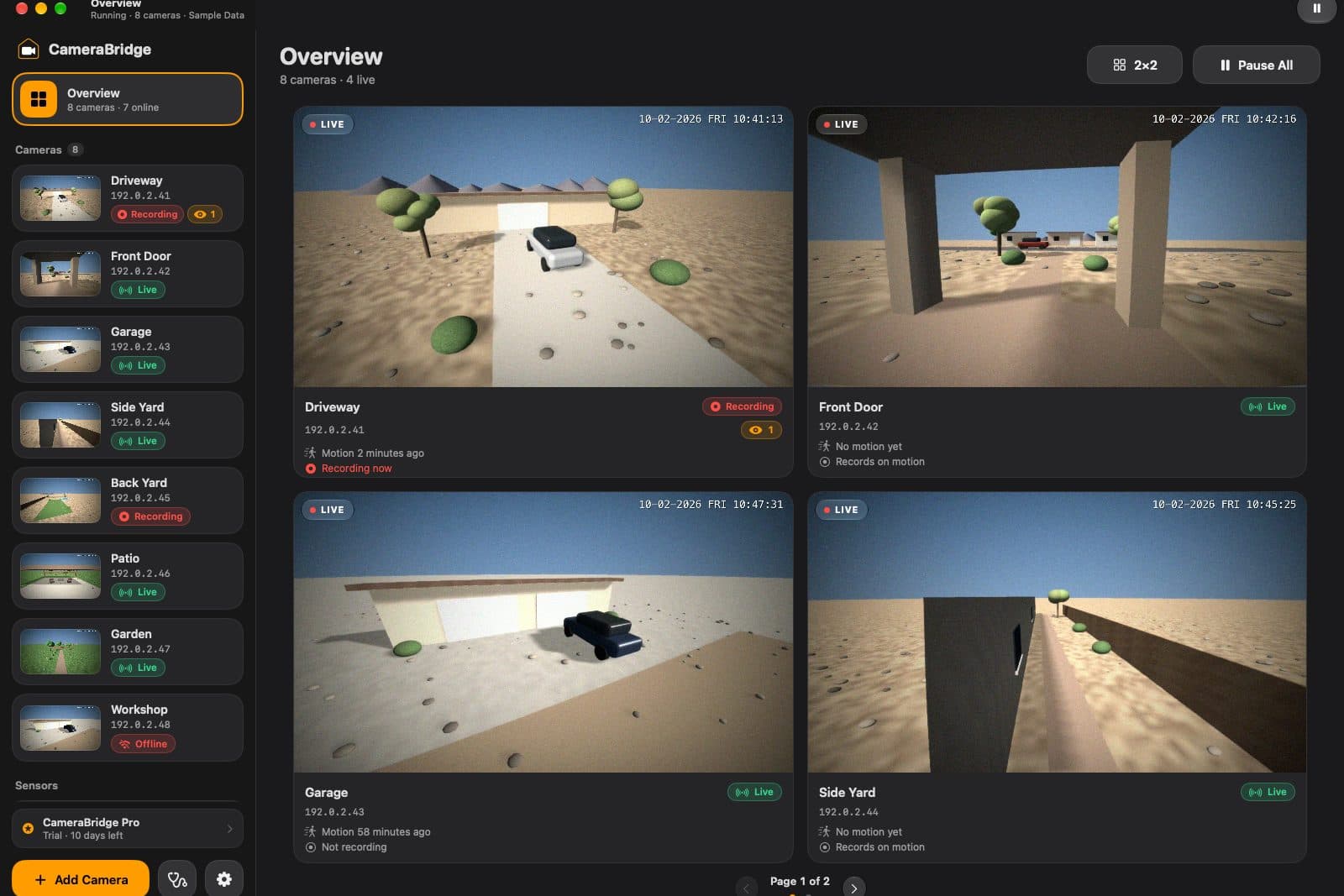
Most security cameras can't record to Apple Home on their own. Camera Bridge runs on a Mac and makes them look like native HomeKit cameras, so they get HomeKit Secure Video recording, live view, snapshots and notifications in the Home app. Doorbells get chimes and two-way audio.
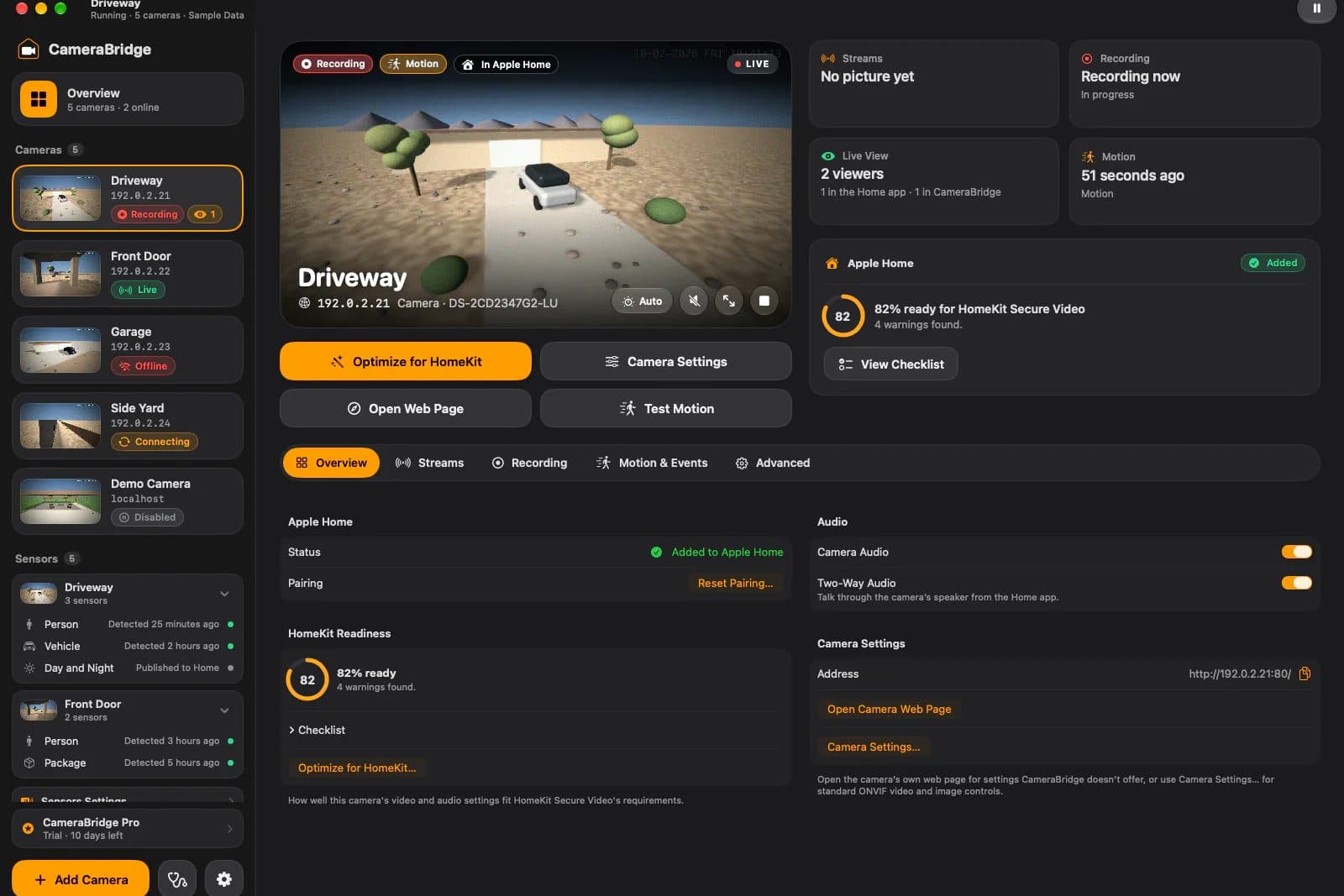
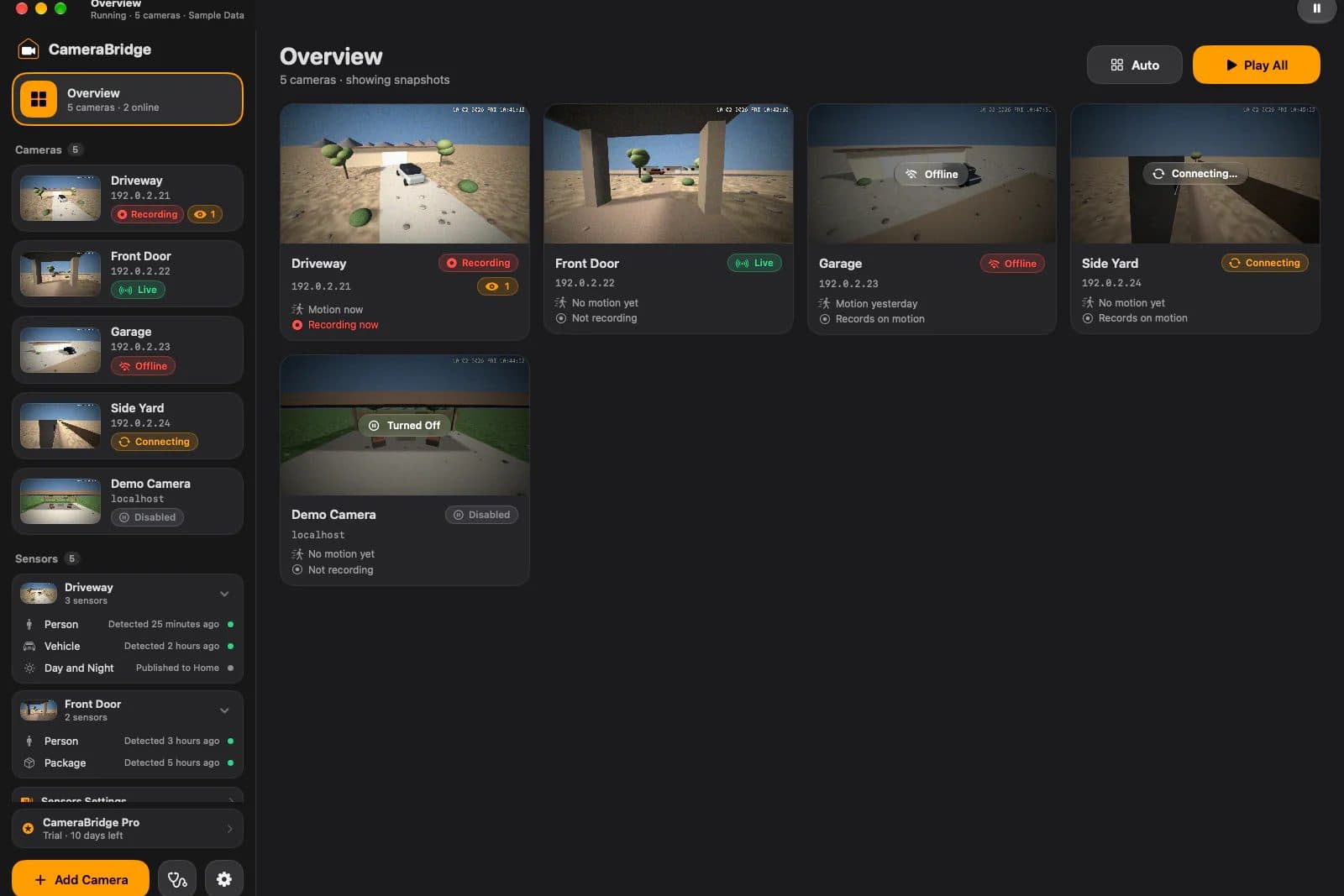
Person, vehicle, animal and package detections from the camera show up as sensors in Home, and there's built-in motion detection for cameras that don't send events. A readiness score checks each camera's settings, and one click tunes them for HomeKit (and can be undone). There's also a live grid of every camera, a timestamp overlay, and diagnostics you can export. Passwords stay in the Keychain, and everything runs locally.
Under the hood it's a portable Swift engine with its own implementation of Apple's HomeKit Accessory Protocol. The same engine also runs on Linux as Camera Bridge OS, a small system for a USB stick or a low-power mini PC, set up from a web page at camera-bridge.local.
It's free for personal use. Commercial use needs a license.
Build log
Version 1.0.1
Fixed live view in the Home app when it runs on the same Mac as Camera Bridge.
Version 1.0, and the source goes public
Released Camera Bridge 1.0 as a signed, notarized download with automatic updates, published the source on GitHub, and put out the first Camera Bridge OS preview.
Camera Bridge OS
The engine now runs on Linux too. Camera Bridge OS builds a small Debian system for a USB stick or mini PC, with its own build and test pipeline.
Documentation site
Launched docs.camera-bridge.app, with setup guides and camera-specific notes.
Website live
camera-bridge.app went up, with its API for updates.
The engine, in one day
Wrote the design spec, then built the HomeKit protocol stack and camera engine: 141 commits, with the camera codecs tested byte-for-byte against the reference implementation.