Astrophoto MCP Server
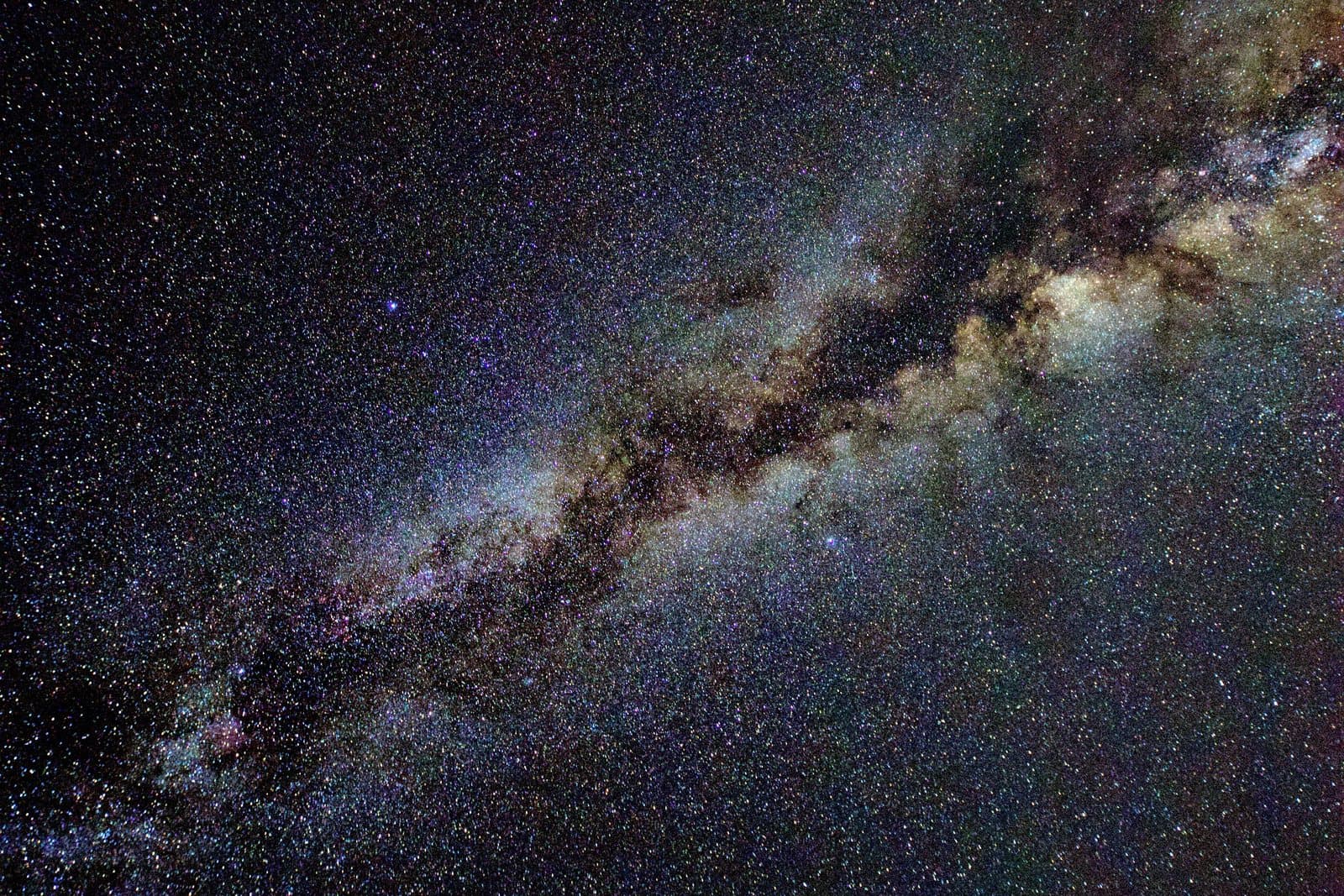
A Raspberry Pi that runs a star-tracking mount and my Canon R5C, with an MCP server so Claude can plan and shoot astrophotos from an ordinary chat.
At a glance
- Camera
- Canon EOS R5 C (45 megapixels), controlled over USB
- Mount
- Sky-Watcher AZ-GTi in equatorial mode on a wedge
- Lenses
- Sigma 14mm f/1.8 Art, Canon RF 135mm F1.8 L, Canon RF 800mm F11
- Computer
- Raspberry Pi 4 riding with the rig, running the camera, mount and MCP services
- AI interface
- MCP server with 37 tools, from sky planning to emergency stop
- Built with
- Python, TypeScript, gphoto2, astrometry.net, astronomy-engine
- Tested
- 678 unit and 84 end-to-end tests against a simulated camera, mount and sky
- Status
- Completed
- Started
- Aug 2026
About
You tell Claude the picture you want in plain English, like "photograph the whole visible Milky Way with my 135mm lens." It works out a plan: what's up tonight, where to point, how long each exposure should be and how many frames it needs. Then it drives the mount and camera to take the pictures, checking each frame as it goes. Afterward it can stack frames to cut noise, build a quick-look mosaic or timelapse, and package everything for final editing on my Mac.
How it works. A Raspberry Pi rides with the rig, connected to the camera and the mount over USB. It runs four services: a camera controller, a mount controller, the MCP server and a manual web console. Claude connects to the MCP server over Wi-Fi. Long jobs like stacks, mosaics, timelapses and autofocus run on the Pi in the background, and Claude checks their progress and gets preview images right in the chat. In the field the Pi joins a mobile Wi-Fi network, or makes its own hotspot when there isn't one.
Safety comes first. The mount never moves until I say yes in that chat, and that permission belongs to that chat alone and expires by morning. One stop command halts the mount, exposures and jobs at any time. The rig also refuses unsafe moves on its own: pointing near the Sun, below the horizon, or far enough to wrap the cables.
The tools cover the whole night: checking the rig, looking up targets and tonight's dark window, drawing sky charts, planning exposures, mosaics and timelapses, running unattended stacks, autofocus, polar alignment and calibration frames, plate solving, and processing. "Go to M31 and shoot a stack" turns into a target lookup, my go-ahead, a slew that plate-solves and re-centers to within a tenth of an arcminute, a stack, and a processed result.
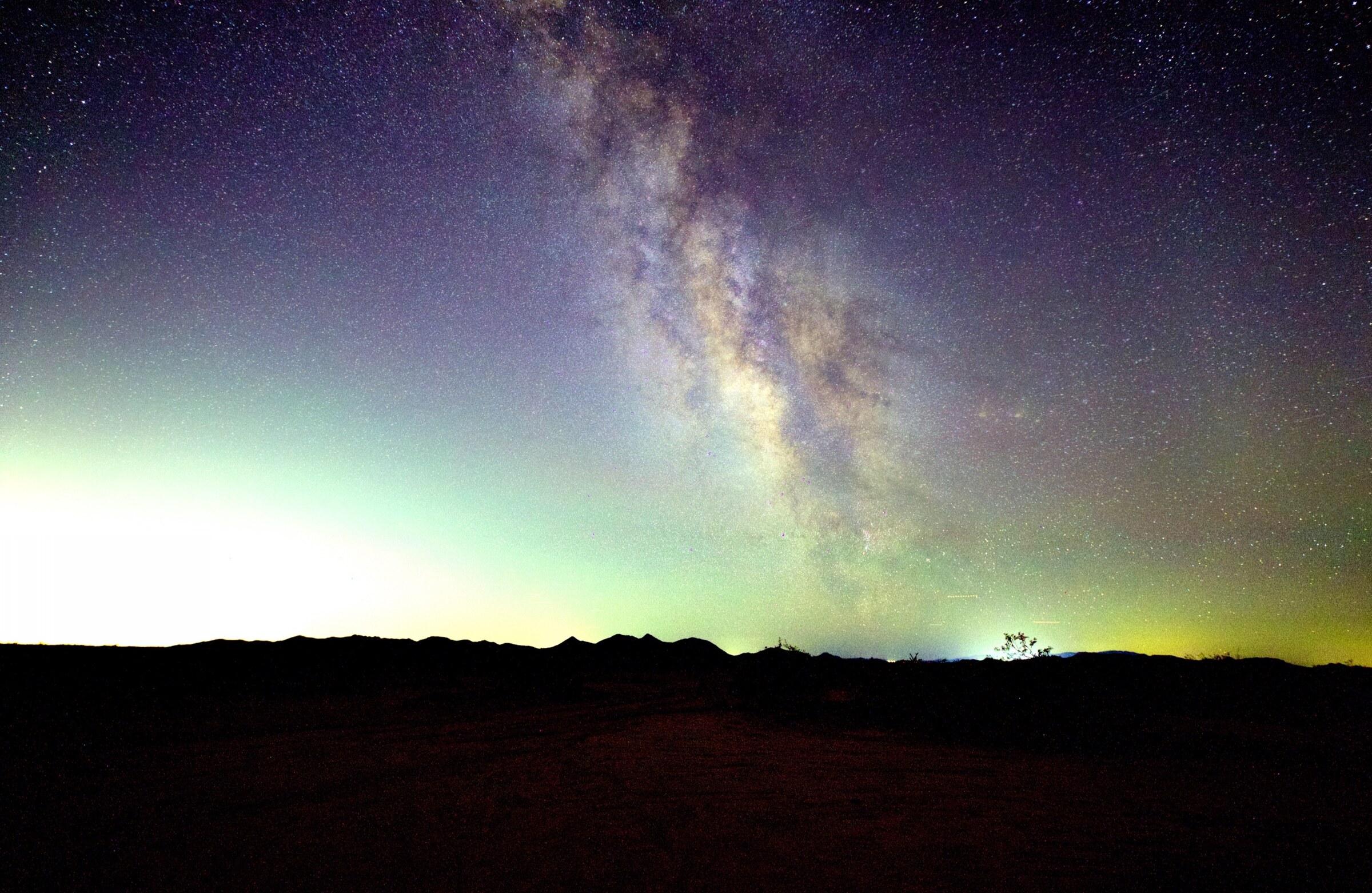
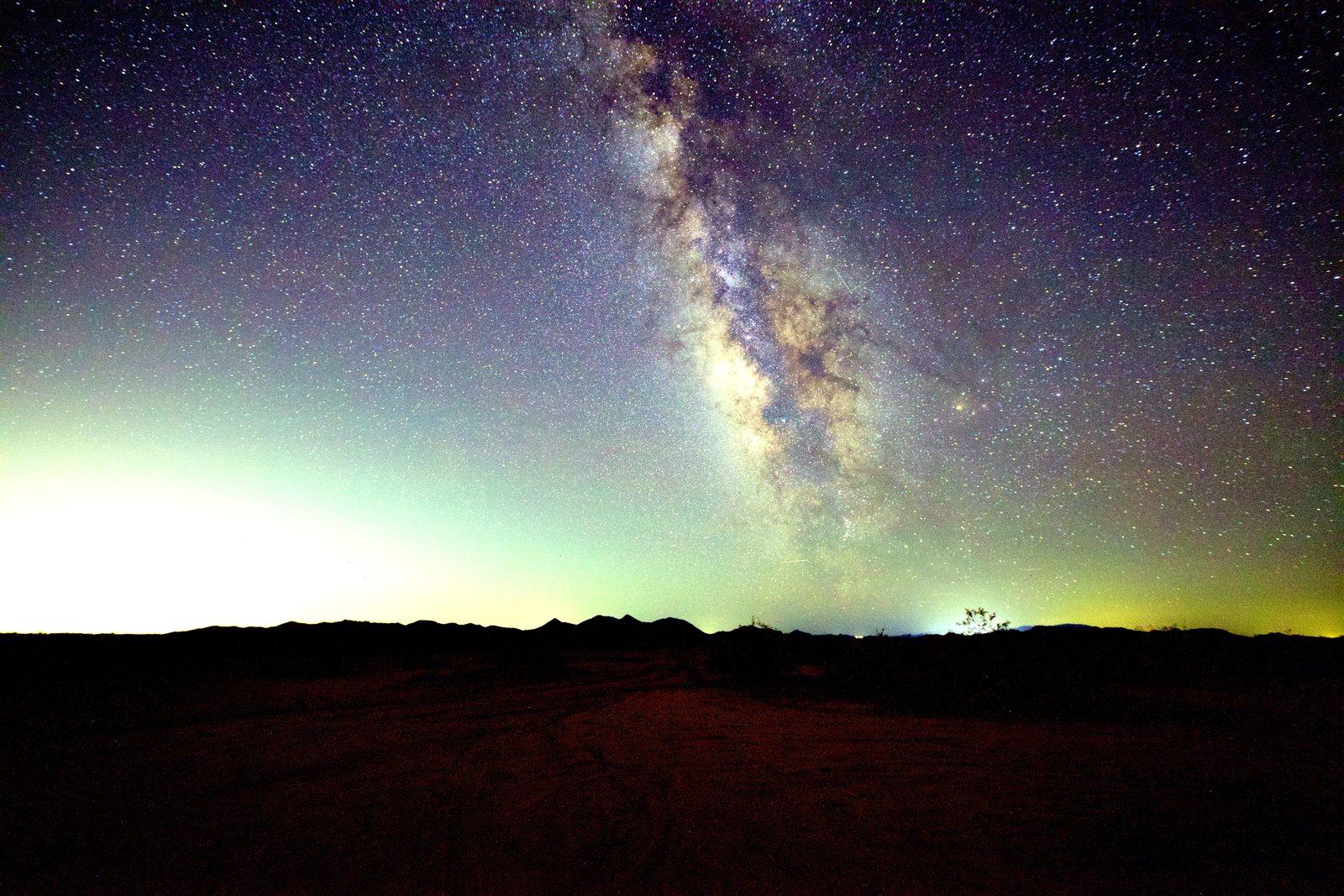
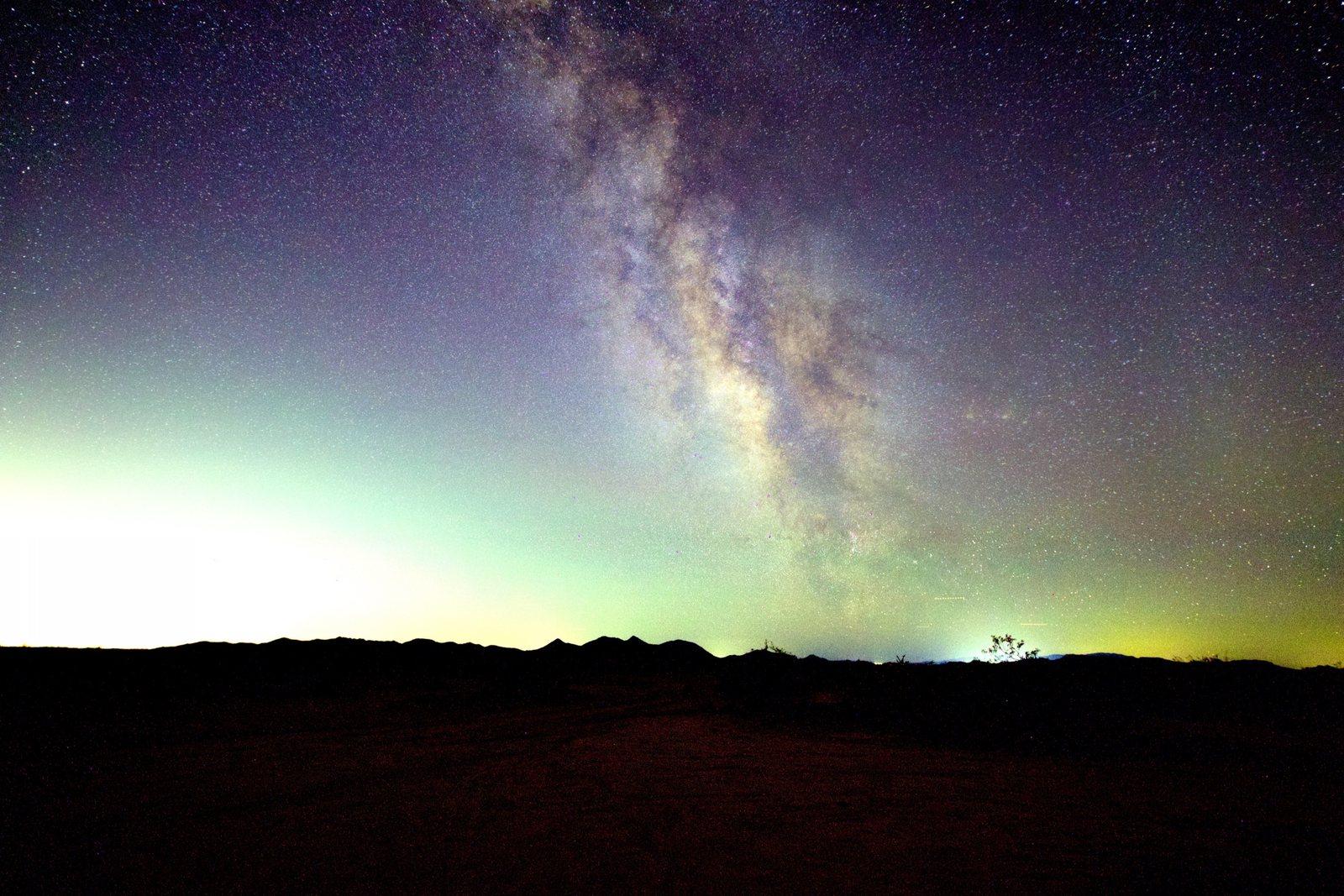
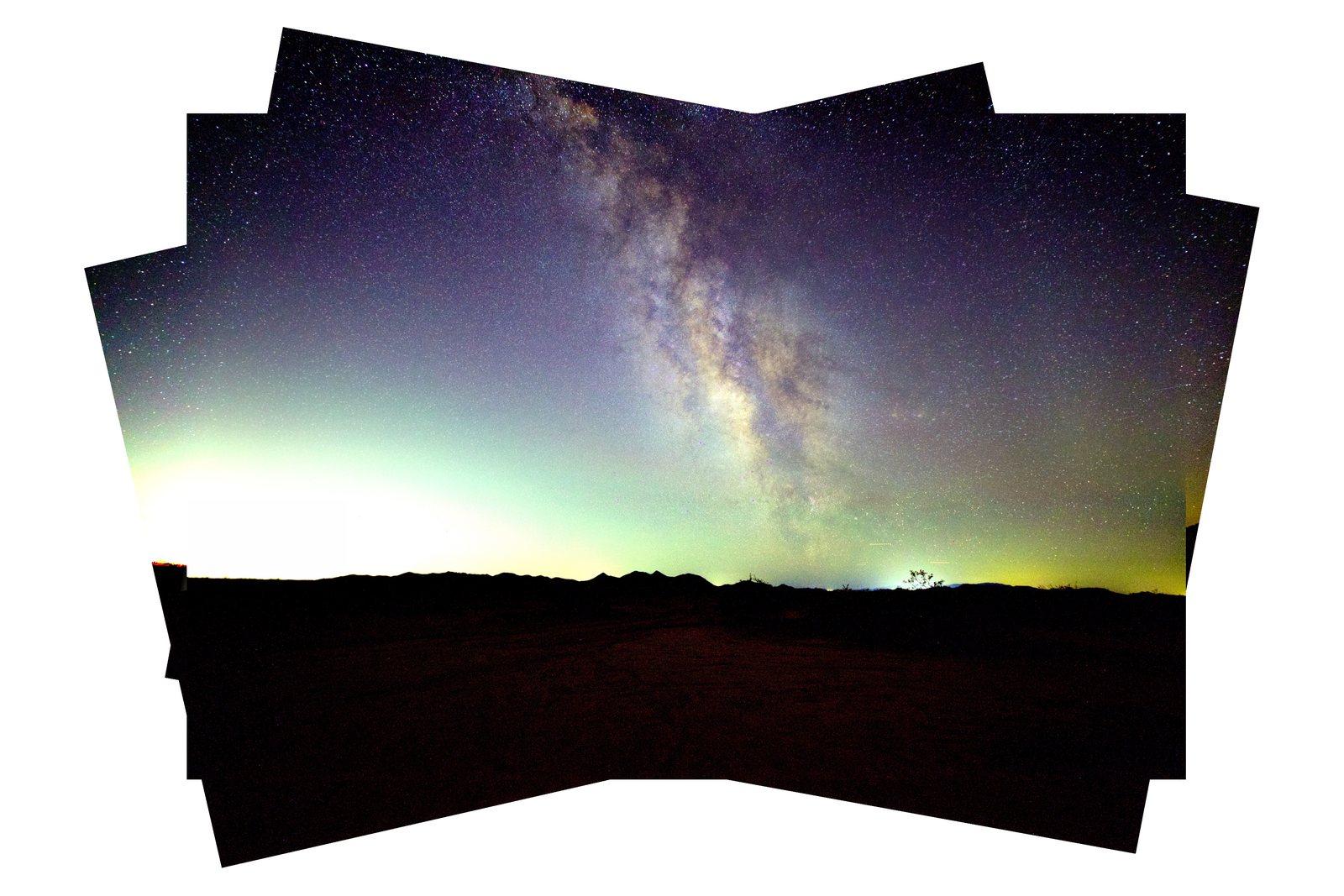
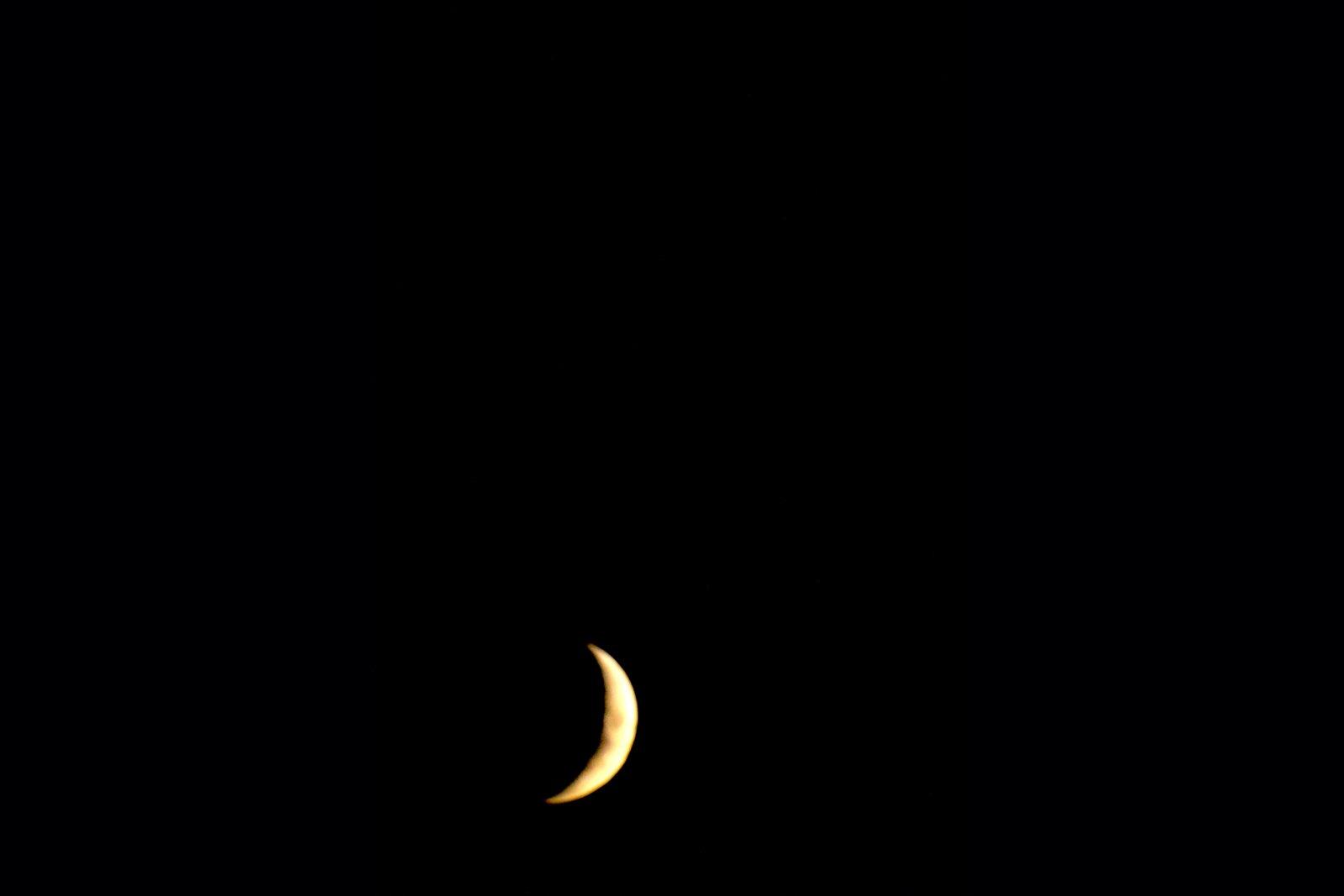
The photos here are from the rig's first night in August, before the MCP server existed.
What's next: the first full night under the stars driven entirely from a chat, then the whole visible Milky Way as a 135mm mosaic, about 50 frames. After that, a Starlink Mini for remote sites and a clock module so the Pi keeps time without internet.
Gallery

Build log
The rig's software moves into one repository
The SkyCapture code that runs the camera, mount and MCP server is now in one shared repository, with the Mac companion apps alongside it, so the rig can be worked on from any machine.
The MCP server goes live
Designed, built, rehearsed and deployed the MCP server with 37 tools, so Claude can run the rig from a chat. The Pi also got a firewall and a Wi-Fi hotspot fallback for the field.
Moved onto a Raspberry Pi
The whole system moved to a Raspberry Pi that rides with the rig. I rewrote the camera controller, validated it on the real camera, and ran the mount over USB with an emergency-stop test.
First night out
The rig's first night under the sky: Milky Way frames at 14mm, a three-frame panorama, and a crescent Moon at 800mm.
The mount joins in
Built a web console and a mount controller for the AZ-GTi over USB, tested end to end against simulators. A safety review caught and fixed 13 issues before anything moved for real.
Claude takes control of the camera
First time Claude controlled the Canon R5C over USB from a Mac app: exposure settings, live view and captures.
Let's talk.
Tell me what you're building. I read every message myself and usually reply within one business day.